
Staying Connected Off-Grid: Internet, Phones, and Power for Work


Photo by Lucas Andrade
Zach Hanson was on a work call from his home in Atlanta, Idaho, when the power went out, and since Atlanta has no cell phone service, he had no way to tell his team why he had vanished. He told the Product Voices podcast what happened next: he went around a town of 35 people asking who had satellite backup power, so he could get a text to his boss. Hanson manages AI and machine-learning products. Atlanta, at the base of the Sawtooth Wilderness, is where he chooses to live: 35 year-round residents, about 20 cabins, a four-hour dirt-road drive to anywhere, and a road that closes when the snow slides. His internet was a rural phone-company DSL line he put at about 10 megabits at its best. The outages were frequent enough that he had a sentence ready for them: "I don't know how many more times this can happen before I'm just canned."
His story is the subject of this article in one household. Getting connected off-grid is three problems wearing one coat. A signal has to reach the place. The equipment that catches it has to be fed power every hour of every day. And the link has to hold at ten on a Tuesday morning, when a wage is riding on a video call. The accounts below come from people who live with these systems: a Montana ranch that spent nine years on the wrong satellite, an engineer who built his office in a shipping container, a blogger whose power station refused to charge in the cold. What they learned is more useful than any brochure, because the brochures leave out December.
Satellite: the sky is the whole requirement

Satellite asks nothing of the landscape except a clear view up, which is why it is the default where nothing else reaches. Starlink publishes typical performance of about 25 to 220 megabits per second down and 5 to 20 up, with latency of 25 to 60 milliseconds on land. That latency is what matters for work. The older geostationary services run at roughly 600 milliseconds or more, and at that delay a conversation stops being one. A Land of Grass Ranch, near Conrad, Montana, kept a blog account of about nine years on HughesNet at $100 a month: films still buffered, and Zoom interviews were unusable even with the video off, the two sides talking over each other through the lag. The ranch went back to DVDs for films. No software setting fixes physics.
The clear view up is a stricter condition than it sounds. The obstruction guidance in Starlink's own app, as worked through in the Budget Seniors guide to siting a dish among trees, gives the dish a 110-degree field of view and grades the result: under about 2 percent obstruction is good, 2 to 5 percent is workable with stutters on calls, over 5 percent is noticeable, and past 10 percent the answer is to move the dish, raise it, or cut. Wet leaves absorb more of the signal than dry ones, and a site that scans clear in February can fail when the leaves come back. The Montana ranch met all of this: the property's eleven trees, "the Graham Ranch National Forest" in the blog's joke, stood across the dish's sky. The fix was height and patience. The dish went on the roof, and the phone app's obstruction scan found the opening through the branches. Brief obstructions cause dropouts measured in seconds. A download never notices. A live meeting does.
What staying online costs in power
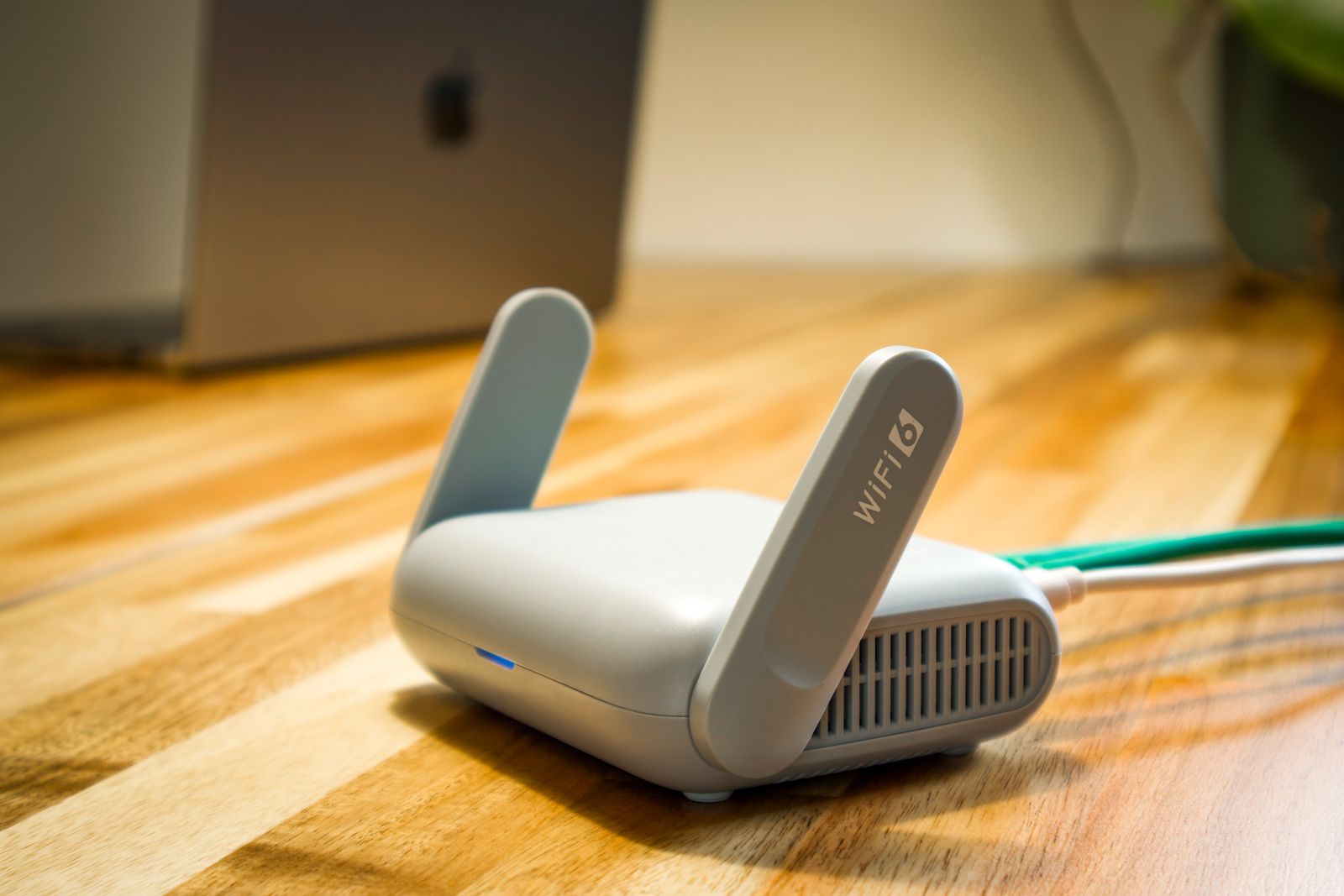
Every option in this article has a power price, and the prices differ by a factor of ten. Here it is plainly, with the sizing method itself left where it belongs: "Solar Sizing Without the Guesswork," earlier in this series, works that arithmetic end to end. What follows is only what the connection adds to the load list.
At the cheap end sits a cellular router. Teltonika Networks, which publishes power tables for its equipment, rates its LTE routers at about 1 to 2 watts idle and roughly 4 to 10 watts at full transmission with Wi-Fi running: call it 120 to 240 watt-hours a day. An ordinary home router draws 5 to 20 watts by EnergySage's figures, somewhere near 240 watt-hours a day at the middle of that range. A Starlink Mini averages 25 to 40 watts by Starlink's specifications, roughly 600 to 1,000 watt-hours a day. A standard Starlink kit averages 75 to 100 watts: roughly 1,800 to 2,400 watt-hours a day. The example household in the sizing article runs on 3,000 watt-hours a day for everything it owns. Bolt a standard dish to that house and the connection alone adds 60 to 80 percent to the bill the panels have to pay.
Winter raises the price again. The dish melts snow off its face with a heater, and off-grid guides that log draw, Survipedia's off-grid Starlink page and the "Starlink on Solar" analysis among them, put the heating cycle at roughly 50 to 100 extra watts while it runs. Then there are the failure modes nobody advertises: a Montana blogger who writes as Commander Zero, at Notes From the Bunker, runs his Starlink from a portable power station and records the cold-weather trap precisely: the station's lithium battery will not accept a charge below freezing, so a unit that cold-soaks in an unheated space is dead weight until it warms up. His measured exchange rate was one hour of full-sun charging for about ten hours of internet. A Starlink Mini on a 12-volt bank fails a different way, documented in the TruckAndRVElectronics setup guide: the dish needs about 12.5 volts at its connector, a sagging bank on a long cable run delivers less, and the dish reboots mid-call. The guide's author dropped three calls in one week his first winter, and none after fitting a regulated converter that feeds the dish a steady higher voltage. John Miller, an engineer who built a working office in a 10-foot storage container on a Montana property with no power, no cell service, and no internet, found a third failure: his first inverter's output was not a clean sine wave, and it made his router emit, in his words, "a high-pitched screech." A power analyzer found it. A pure sine inverter fixed it. His container office (Starlink, four 100-watt panels, a few 100-amp-hour batteries) now carries video calls and Wi-Fi calling.
The wire at the road, and the tower on the hill

Before satellite, check the road. Hanson's 10-megabit DSL line in Atlanta was miserable by city standards and still carried a salary for years. Where a cable or fibre line passes the end of the lane, taking it, even at speeds a town would laugh at, usually beats every wireless option, because nothing in the weather or the trees can touch it. The wire has a reach limit, though, and it is shorter than people expect. An AnandTech forum account from 2016 lays it out: a house 600 feet behind another house, and a cable company that would not run a line more than 300 feet from the road. The solution the thread settled on was a point-to-point radio bridge, a small dish on each building aiming across the open field between them, the connected house lending its connection to the one the wire would not reach. That class of bridge radio is published at ranges of a few miles with clear line of sight; bigger units in the same family are rated past nine miles. The condition is always the same: the two ends must be able to see each other.
Fixed wireless from a local provider, a WISP, is the same idea run as a business. A tower on a silo, a hilltop, or a water tower beams the signal; an aimed dish on the roof catches it. Installer guides such as Bill's Home Tech put the working radius at roughly 3 to 10 miles, latency is far below satellite's, and the honest providers survey the site before taking money, because line of sight is the whole product. Ask whether the package includes a real rooftop antenna and a survey. Some services sold as "fixed wireless" are a cellular box in a window with a new name, and they inherit every cellular limit in the next section.
Cellular: a booster cannot invent a signal

Where a phone shows a bar or two outside, cellular can carry a house, and an outside antenna feeding a booster or a cellular router is the standard way to do it. Consumer boosters are capped by FCC rules at roughly 65 to 72 decibels of gain, depending on the band. More important is the sentence weBoost prints in its own guidance: where there is absolutely no cell signal, a booster will not work. It amplifies what exists. The company's field-test guidance puts the working boundary in numbers a phone can display: around −100 dBm or weaker outside, a booster may not help; at −85 dBm or stronger, it probably can.
The subtlest failure is the one where everything works. Lintratek's troubleshooting literature describes a booster faithfully relaying a strong signal from a distant tower while the phone inside keeps using a closer, poorer one, because the carrier's tower, not the phone and not the booster, decides which band and which site a connection uses. The booster was never broken. The published fix is unglamorous: move the outside antenna, re-aim it, test again, until the equipment is amplifying the tower the household actually wants. Height buys signal too, which is why antennas end up on masts. In November 2026, Mesa County, Colorado, announced that a lightning strike had severely damaged its Far Pond antenna site in the Uncompahgre National Forest, cutting television service to the community of Gateway, with restoration possibly months away. The protection literature is blunt about the physics: Schneider Electric's grounding guide for its radio sites says to mount the antenna a few feet below the top of the mast, so the mast takes the strike, to fit a surge arrestor where the cable enters the building, and to understand that no arrestor survives a direct hit for you; grounding and bonding reduce damage rather than promise safety.
The phone in your pocket
The phone is where off-grid connection gets better than it was five years ago, for one reason: Wi-Fi calling. A phone with Wi-Fi calling switched on, a standard feature the carriers and handset makers document, places and receives calls and texts on your own number over any Wi-Fi. Zero bars stops mattering, provided the internet link works; the call rides the dish or the router instead of the tower. If Wi-Fi calling is clear at the desk, the link is healthy.
A second SIM is the other cheap resilience. A dual-SIM phone can carry two carriers, so one network's dead zone is covered by the other where their maps differ, and some Android handsets can route one line's Wi-Fi calling over the other line's data when the first has no coverage at all. Used as a hotspot, the phone becomes the whole office for a day, at a power cost measured in a phone battery, against a dish that wants its 1,800 watt-hours. A second carrier's SIM is usually the cheapest backup connection there is. It is not the fastest. It is the one still standing when the main link is down for reasons that have nothing to do with signal: a tripped breaker, a flat bank, a dish rebooting on sagging voltage.
When the wage depends on the call
Now the arithmetic of the meeting itself. Zoom publishes its bandwidth requirements: 600 kilobits per second in each direction for a standard one-to-one video call, 1.2 megabits each way for 720p, and up to 3.8 megabits per second up for 1080p. Read those against rural plans and the weak direction is always the same one. Download gets the advertising. Upload carries the job.
Michael Ginsberg, founder of 5Gstore, documented in September 2026 what happens when a Starlink business plan burns through its monthly priority data without top-ups: the connection does not stop; it drops to 1 megabit down and 0.5 up for the rest of the month. Half a megabit up is below Zoom's floor for a single standard video call. It is 27 minutes to upload a 100-megabyte file, and about four and a half hours for a gigabyte. Voice-only calls, at 60 to 100 kilobits, still fit. The month becomes a month of phoning in and apologising. Residential Starlink service makes the opposite trade: no published gigabyte cap, but deprioritization when the network is busy, per Starlink's Fair Use Policy. Neither arrangement is dishonest. Both punish the person who never read which one they bought.
Hanson's answer to all of this, before the better equipment arrived, was to change the shape of the work instead of the shape of the signal. He estimated 40 percent of his working time was unavailable, so he rebuilt his job asynchronous: email and chat over meetings, documents that could be read without him, offline work banked against the next outage. It kept him employed in a town with no cell service. A backup connection on a different path, satellite primary and cellular secondary, or the reverse, is the equipment version of the same idea, because the two fail for different reasons, on different days. The households that work from the end of a dirt road and keep working are the ones that treat a dropped call as a routing problem, not a surprise.
When the internet is down anyway

Underneath all of it sit the radios, which ask for no tower, no satellite, and no subscription. GMRS is the family option: one FCC licence costs $35, runs ten years, needs no exam, and covers the whole immediate family; handhelds run 5 watts, and a repeater on high ground is what turns a mile of range in the trees into coverage across a valley. Meshtastic is the text version: small licence-free radios that relay short messages and positions, three hops by default, seven at most. Its own documentation is honest about the limits: no voice, no 911, and a lone node in an empty valley talks to nobody, because a mesh with one member is a radio shouting at scenery. Ham radio asks for an exam and gives back the most: repeaters, digital modes that move email over radio. None of these carries a video call. All of them carry "I am fine, the road is out, do not send help" — which, on the days the internet is down anyway, is the message that matters.
Hanson got his Starlink, and told the podcast it "helped us tremendously." The dropped calls did not make him move back to a city, and neither did the 40 percent. What they did was teach him the order of the problem: a connection you can feed, on a path you have tested, with a fallback you have actually used, beats a faster connection that fails in new ways every month. Atlanta still has 35 residents, no cell phone service, and a dirt road that closes when the snow slides. The difference is that when the power blinks now, Hanson knows what his link will do, what it costs to run, and what he will say to his team while it comes back. That knowledge, more than the dish, is the thing being bought.